FlixFox Web lets you watch movies and web series straight from your browser, with no APK, no install and no storage used. Open Chrome, Safari, Edge or Firefox on your phone, iPhone, iPad or computer, go to the official FlixFox website and press play. It's the quickest way to use FlixFox on a device that can't install the app. For offline downloads and the full feature set, the Android app is still the better choice.
Open FlixFox Web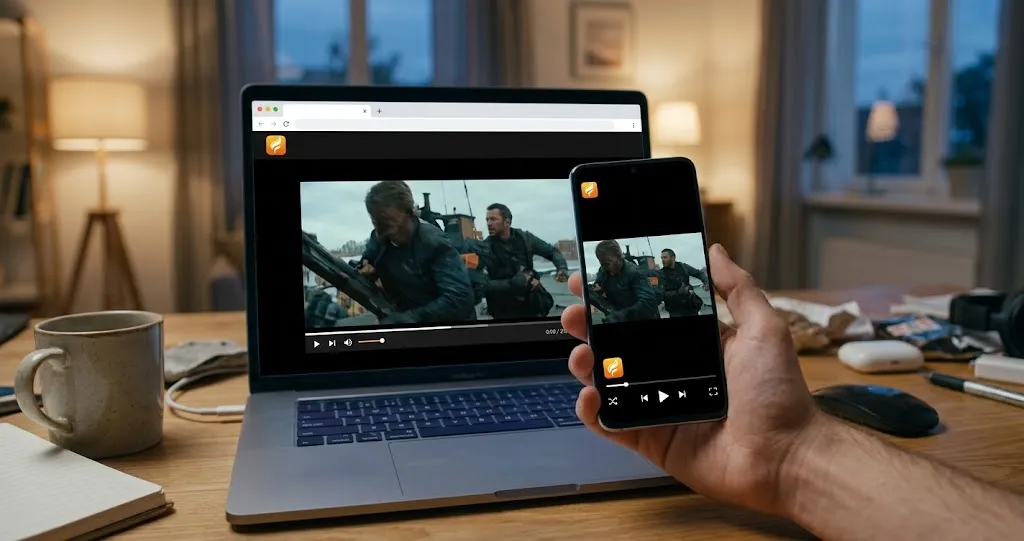
FlixFox Web is the browser version of FlixFox. Instead of installing an app, you open the official FlixFox website in any modern browser and watch there. The web player gives you access to a large part of the same library of movies and series, in English, Hindi, Tamil and Telugu.
When does it make sense? Three situations come up most often:
If you use Android every day, the FlixFox app gives you more, including offline downloads and language settings. For laptops, the FlixFox for PC guide covers the full app on Windows, and the FlixFox for TV guide covers Android TV and Fire TV.
No APK, no unknown sources setting, no install steps. Open the page and play.
Nothing is saved on your device, which helps on phones that are nearly full.
Safari and Chrome on iOS can open FlixFox Web, even though there's no iOS app.
Use it in any desktop browser, with no emulator needed.
Movies and web series across genres, in Indian languages and English.
Choose a quality that suits your connection, from data-saving to HD.
Watch free with ads, or sign in with your Premium account for ad-free viewing.
Close the tab when you're done, and nothing is left behind on the device.
There are no updates to install. The web version is always the latest.
The steps are almost the same everywhere: open a browser, go to the official FlixFox website and choose FlixFox Web. Here's what to expect on each device.
| FlixFox Web | FlixFox App (Android) | FlixFox TV | |
|---|---|---|---|
| Installation | None | APK install | APK install |
| Works on | Any browser: Android, iPhone, iPad, Windows, Mac | Android phones and tablets | Android TV, Google TV, Fire TV |
| Cost | Free with ads, or Premium | Free with ads, or Premium | 5-day free trial, then Premium |
| Offline downloads | No | Yes | Yes |
| Live TV and sports | No | Yes | Yes |
| Language preferences | Basic | Full | Full |
| Updates | Automatic | In-app prompt | In-app prompt |
| Best for | Quick viewing, iPhone and shared devices | Everyday watching | Family viewing on the big screen |
The web player depends on your connection. Lower the quality from the player menu, close other tabs that are streaming, or switch between mobile data and Wi-Fi.
Make sure JavaScript is enabled in your browser settings, and turn off any extension that blocks scripts or ads, as these can stop the player from loading. Then refresh the page.
Check that the browser tab isn't muted (right-click the tab on desktop), that the player volume is up, and that your device isn't on silent.
The player may pick a lower quality on a slow connection. Select a higher quality manually from the player menu. If it buffers, your connection may not support it right now.
FlixFox Web is the fastest way to watch FlixFox on any screen with a browser, and the only way to use it on an iPhone, iPad or Mac right now. It's ideal for quick viewing and for devices you can't or don't want to install apps on. If you watch every day on Android, the app adds offline downloads, live TV, sports and language preferences, so it's worth installing alongside.
It's the browser version of FlixFox. Open the official website in any browser and watch without installing anything.
Yes. FlixFox Web is free to watch with ads. Sign in with your Premium account to watch ad-free.
Yes. Sign in on the web with the same account, and Premium benefits such as ad-free viewing apply there too.
Yes. Open the official FlixFox website in Safari or Chrome and choose FlixFox Web. There's no iOS app, so the web version is the way to watch on iPhone and iPad.
No. Offline downloads are only available in the FlixFox Android app.
Live TV and sports are part of the FlixFox app. Install the Android app or the TV app to watch them.
Yes. Nothing is installed or downloaded. Close the tab when you're done.
The web version needs no install and works on any browser. The app adds offline downloads, live TV, sports, language preferences and the Hindi interface.